Baby Phone
Arabic and English · Ages 1 to 3 · iPhone and iPad
Toy phone games for toddlers, with family voices
Baby Phone has toy phone games for toddlers with family photos and voices. Add a family photo and record a hello for your child to hear during a pretend call.
Coming soon
Try it free. One purchase opens all sections. No subscription.
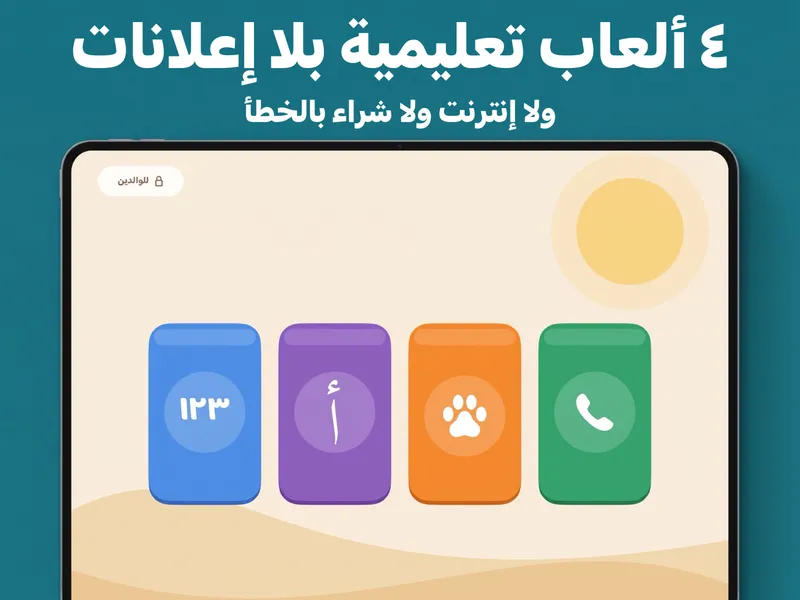
For your peace of mind
- No ads
- Works offline
- Data not collected
- Kids Category
Inside the app
What your child can do
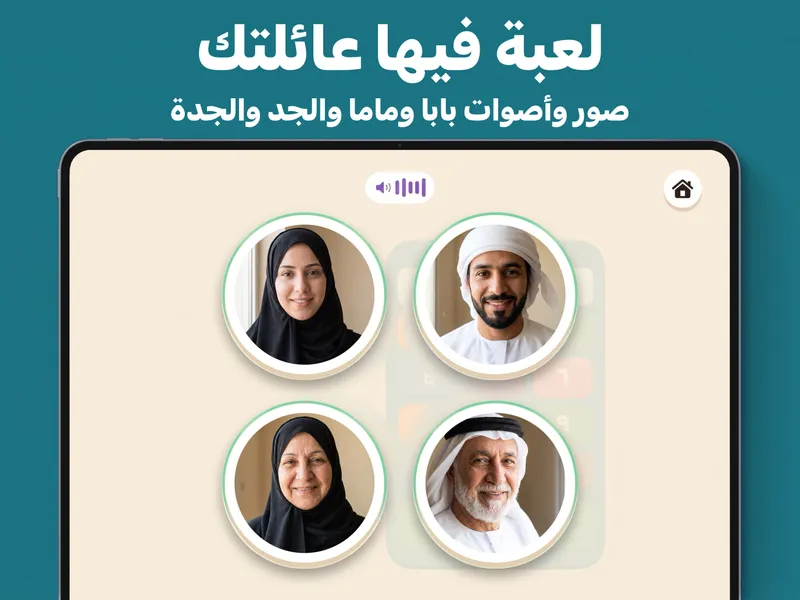
A pretend call to Grandma
Your child taps a family face to hear a greeting. Add your own photos and voices, or use the game's characters. No real call is made.
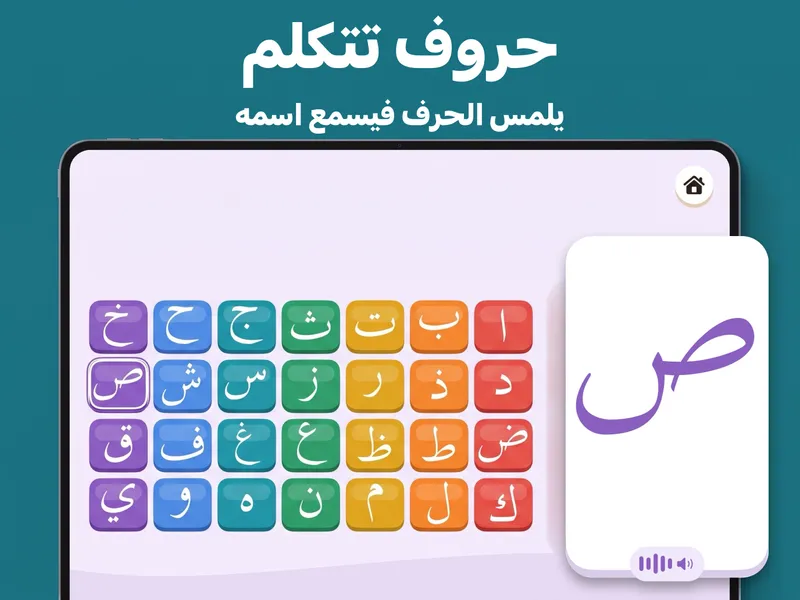
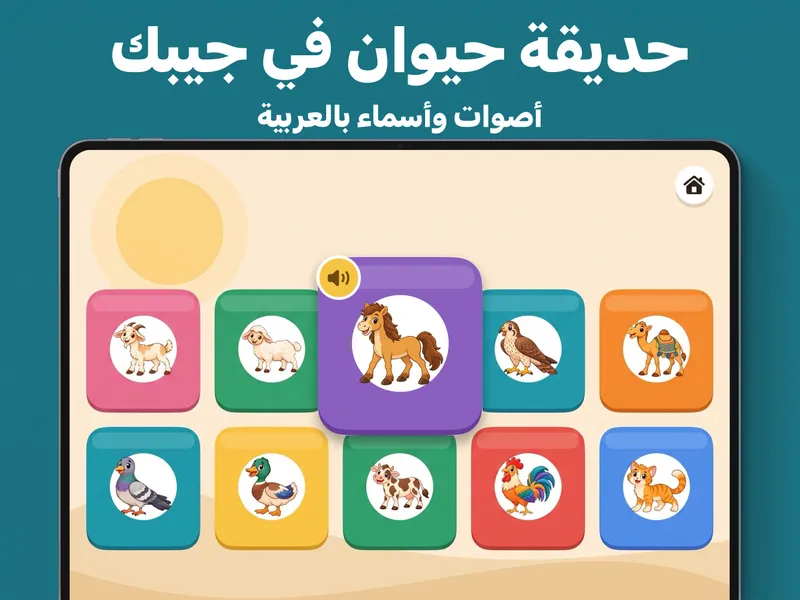
Letters, numbers and animal sounds
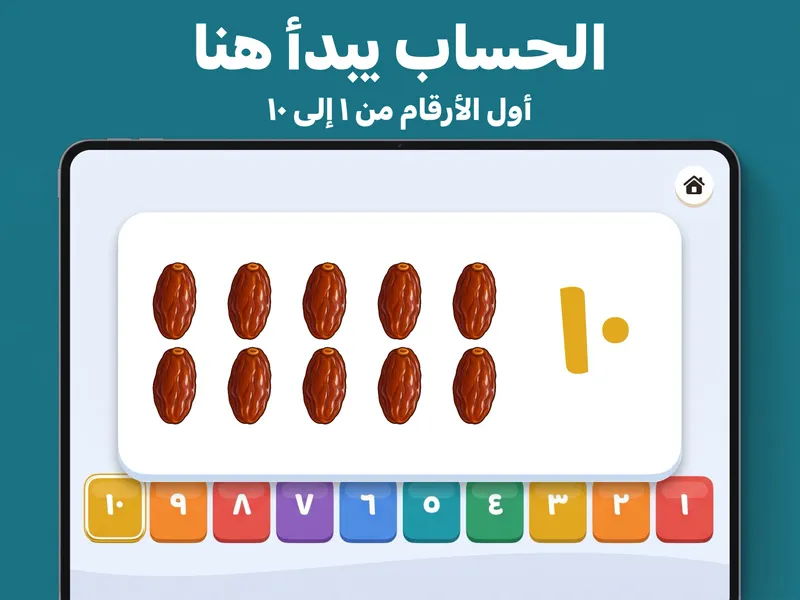
Tap Arabic letters or ABC to hear their names. Explore numbers 1 to 10 and animals such as the camel, falcon, horse and sheep.
Ready without Wi-Fi
Play at home or on the go, with no internet needed for the games. Family photos and recordings stay on your device.
Frequently asked questions
What age is Baby Phone for?
The games are designed for children aged 1 to 3. The App Store Kids Category age band is 5 and under. No reading is needed to tap the pictures and hear the voices.
Does it work without Wi-Fi?
Yes. The games, saved family photos and recordings work offline. Purchases, restoring purchases and external help links need internet access.
Does the toy phone make real calls?
No. All calls happen inside the game. If you save a family number and your child dials it on the toy keypad, the game shows that person's photo and rings. It does not place a real call.
Can we play in Arabic and English?
Yes. Switch the game language in the parents' area. Arabic play uses Modern Standard Arabic and 28 Arabic letters. English play has letters A to Z. Both have numbers 1 to 10.
Are there ads or a subscription?
There are no ads and no subscription. Try the app free; one purchase unlocks all sections and supports Family Sharing. Apple shows the current price before you buy.
Are family photos, voices or numbers uploaded?
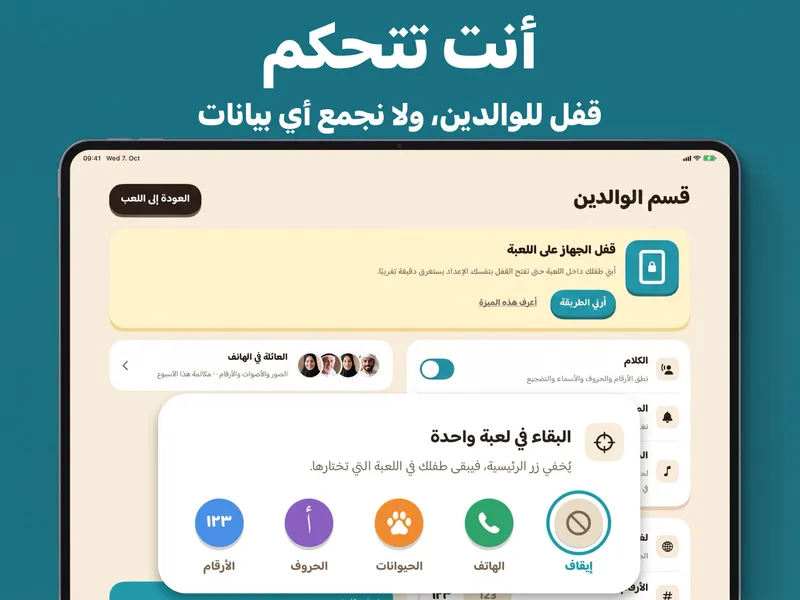
No. They stay on your device. You can remove them using the family controls in the parents' area. Device backups may contain app data, depending on your settings; manage backups separately.
Where can I record a family greeting?
During first-launch parent setup or later in the parents' area. The initial recording step has no parental gate. Recording needs microphone permission, and you can use the game's voices instead.
How do I restore my purchase?
Open the parents' area, complete the maths question and tap Restore purchase. Use the same Apple Account that made the purchase and connect to the internet. If access is still missing, email support with your device and iOS version. Do not send payment-card details.
Related articles
- Arabic alphabet activities for kids: start with one letter
Try Arabic alphabet activities for kids with one letter, two homemade cards and a picture. No worksheet download or full alphabet lesson needed.
- Counting activities for toddlers at home: 3 small games
Try counting activities for toddlers at home with a few large toys. Touch, move and count them together, then make a small group for a toy guest.
- Pretend phone play ideas: a little call with Grandma
Try pretend phone play with a hand or toy phone. Use a greeting, a question and goodbye, then take turns with your child.
Coming soon